How to use transition-group in Vue
Animating lists when items are added, removed, or reordered creates a much better user experience than instant changes, especially in task lists or data tables.
As the creator of CoreUI, I’ve built numerous animated list interfaces for enterprise applications.
Vue 3 provides the TransitionGroup component specifically for animating multiple elements or lists with v-for loops.
Unlike the Transition component which handles single elements, TransitionGroup manages transitions for each item independently.
How to use transitions in Vue
Adding smooth transitions when elements appear or disappear greatly enhances user experience and makes interfaces feel polished and professional.
As the creator of CoreUI, I’ve implemented countless animations in production applications.
Vue 3 provides a built-in Transition component that automatically applies CSS classes during enter and leave phases, making animations straightforward.
This approach requires no external libraries and works with standard CSS transitions or animations.
How to animate components in Vue
Component animations enhance user experience by providing visual feedback for state changes, drawing attention to important elements, and creating polished interfaces. As the creator of CoreUI, a widely used open-source UI library, I’ve implemented smooth animations in Vue applications. The most versatile approach is using Vue’s built-in Transition component with CSS transitions or animations for declarative animation control. This method provides automatic class management, supports various animation types, and integrates seamlessly with Vue’s reactivity system.
How to use CoreUI with Vue
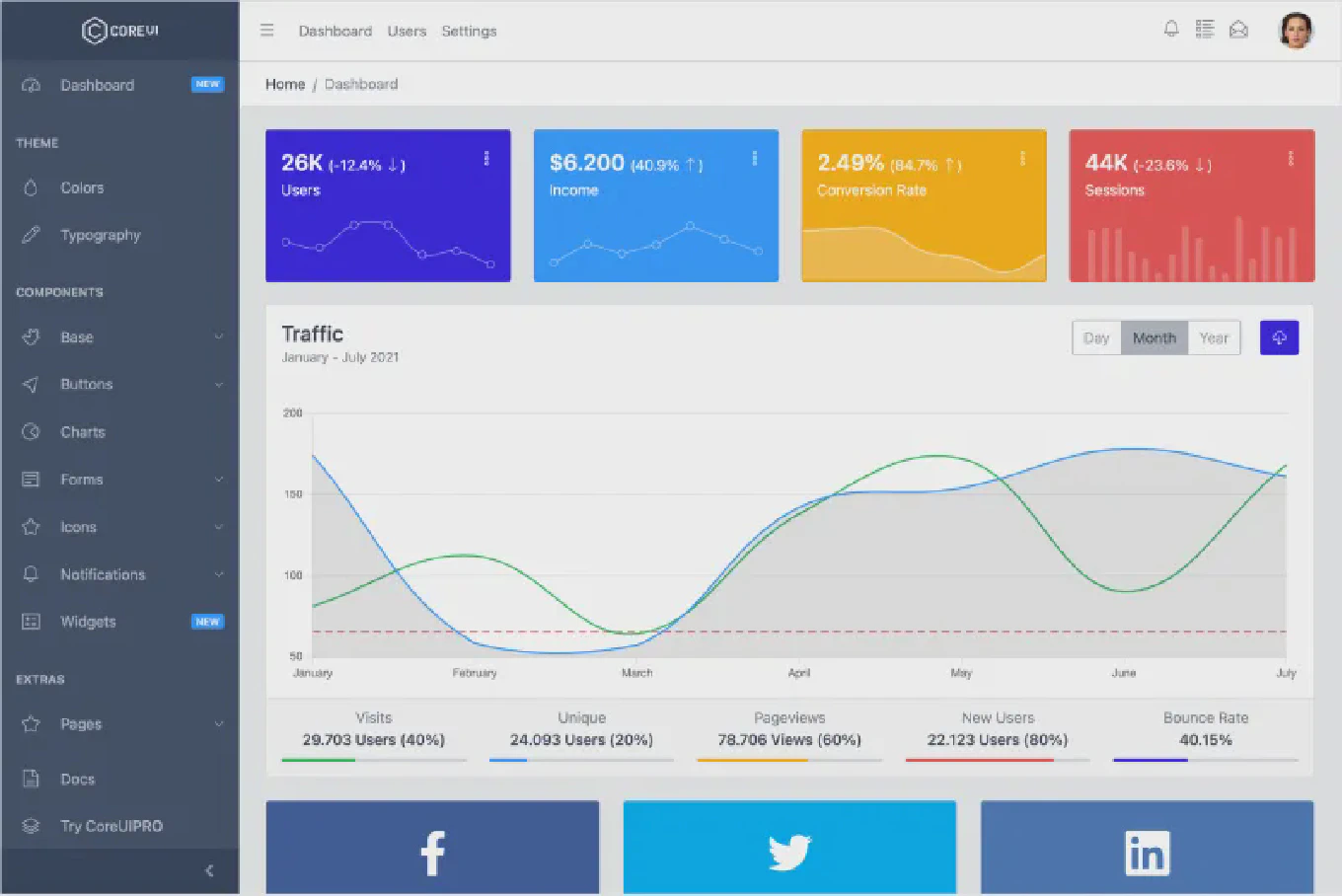
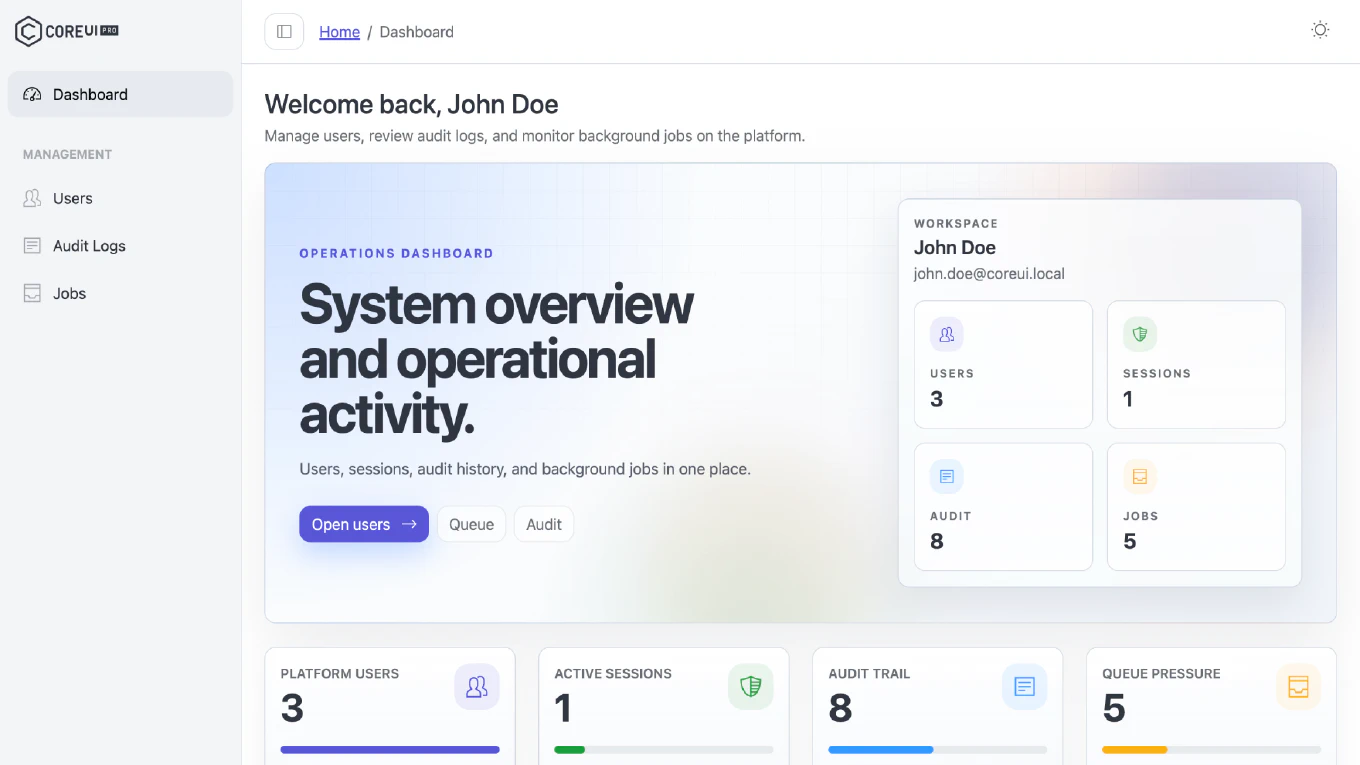
CoreUI for Vue provides production-ready UI components, responsive layouts, and professional admin dashboard templates designed specifically for Vue 3 applications. As the creator of CoreUI, a widely used open-source UI library, I’ve designed CoreUI for Vue to deliver enterprise-grade components. The most efficient approach is installing @coreui/vue and @coreui/icons-vue packages and importing components as needed. This method provides fully integrated Vue 3 components with Composition API support, TypeScript definitions, and comprehensive documentation.
How to create a theme switcher in Vue
Theme switchers enable users to customize application appearance with multiple color schemes, enhancing personalization and brand flexibility. As the creator of CoreUI, a widely used open-source UI library, I’ve built theme switchers for enterprise Vue applications. The most versatile approach is managing theme state reactively and applying theme-specific CSS custom properties. This method supports unlimited themes, smooth transitions, and maintains persistent user preferences across sessions.
How to implement dark mode in Vue
Dark mode improves user experience by reducing eye strain in low-light environments and has become an essential feature for modern web applications. As the creator of CoreUI, a widely used open-source UI library, I’ve implemented dark mode in Vue applications. The most effective approach is using Vue 3 Composition API with reactive state and CSS custom properties for theme switching. This method enables smooth theme transitions, persists user preferences, and maintains clean separation between logic and styling.
How to build a responsive layout in Vue
Responsive layouts adapt to different screen sizes and devices, providing optimal viewing experiences from mobile phones to desktop monitors. As the creator of CoreUI, a widely used open-source UI library, I’ve built responsive layouts in Vue applications. The most effective approach is using CSS Grid and Flexbox with mobile-first media queries in Vue components. This method ensures layouts work across all devices while maintaining clean, maintainable code.
How to build a sidebar in Vue
Sidebars provide persistent navigation for applications, offering quick access to main sections while maximizing content space in the main area. As the creator of CoreUI, a widely used open-source UI library, I’ve built sidebar navigation systems in Vue applications. The most effective approach is creating a sidebar component with Composition API managing collapse state and responsive behavior. This method ensures consistent navigation with smooth transitions and mobile-friendly toggle functionality.
How to build a navbar in Vue
Navigation bars provide primary navigation structure for web applications, offering consistent access to main sections and improving user orientation across pages. As the creator of CoreUI, a widely used open-source UI library, I’ve built navigation systems in Vue applications. The most effective approach is creating a navbar component with Vue Router integration and responsive mobile menu toggle. This method ensures seamless navigation with active route highlighting and mobile-friendly collapsible menus.
How to build a dropdown in Vue
Dropdown components provide collapsible menus for navigation, actions, or selections, essential for space-efficient user interfaces and organized content. As the creator of CoreUI, a widely used open-source UI library, I’ve built dropdown systems in Vue applications. The most maintainable approach is creating a reusable dropdown component with Composition API, managing open state and click-outside detection. This method ensures consistent dropdown behavior across applications with accessibility features and proper event handling.