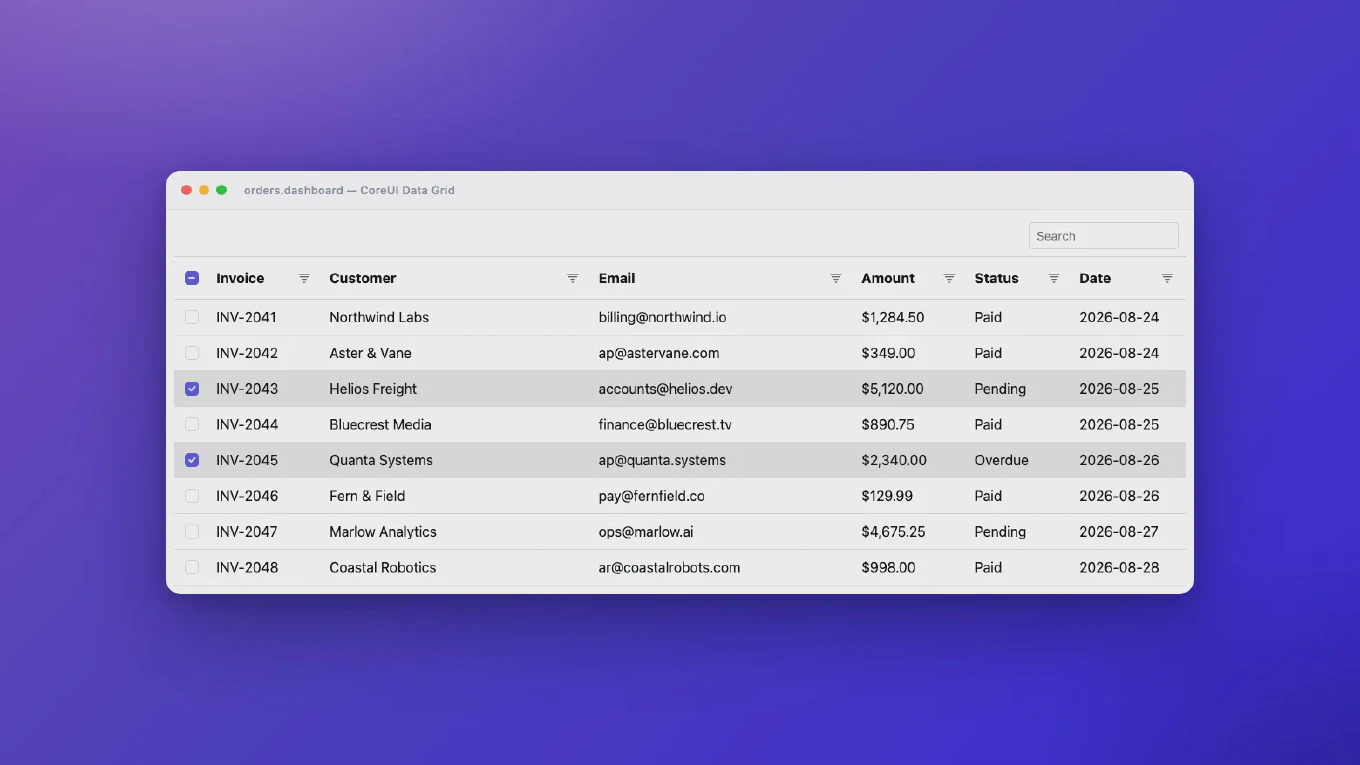
How to filter a list in React
Implementing filtering functionality allows users to narrow down data based on specific criteria, essential for data-heavy React applications. As the creator of CoreUI, I’ve built advanced filtering systems in countless enterprise dashboards. The most effective solution is to use state to track filter criteria and the array filter method to apply multiple conditions. This approach provides flexible, real-time filtering with support for multiple filter combinations.
How to sort a list in React
Implementing sorting functionality allows users to organize data in React lists by any column, essential for data tables and organized content. As the creator of CoreUI, I’ve built sortable lists and tables in countless enterprise applications. The most effective solution is to track the sort field and direction in state and use the array sort method to reorder data. This approach provides flexible, client-side sorting with clear visual feedback.
How to search in a list in React
Implementing search functionality is essential for React applications that display lists of data, improving user experience by helping users find items quickly. As the creator of CoreUI, I’ve built search features in countless data tables and lists. The most effective solution is to use controlled input for the search query and filter the data array based on the search term. This approach is simple, performant, and provides instant search results as users type.
How to paginate data in React
Implementing pagination is essential for displaying large datasets efficiently in React applications without overwhelming the user interface. As the creator of CoreUI, I’ve built pagination into countless data tables and lists. The most effective solution is to track the current page in state and slice the data array to show only the relevant items. This approach is simple, performant, and provides full control over the pagination logic.
How to preview uploaded image in React
Showing image previews before upload significantly improves user experience by letting users verify their selection instantly. As the creator of CoreUI, I’ve implemented image preview functionality in countless profile editors and galleries. The most effective solution is to use URL.createObjectURL() to create a temporary URL for the selected file. This approach is fast, efficient, and works seamlessly without reading the entire file into memory.
How to upload a file in React
File upload functionality is essential for modern React applications, from profile pictures to document management systems. As the creator of CoreUI, I’ve implemented file uploads in countless enterprise applications. The most effective solution is to use a file input with onChange handler, store the file in state, and send it using FormData. This approach works seamlessly with any backend API and provides full control over the upload process.
How to reset form in React
Resetting forms after submission or on user action is a common requirement in React applications for better user experience. As the creator of CoreUI, I’ve implemented form reset functionality in hundreds of production forms. The most effective solution is to reset your state values back to their initial state or use a ref with the native form reset method. This approach ensures all form fields return to their default values cleanly.
How to disable submit button in React until form is valid
Disabling the submit button until a form is valid prevents users from submitting incomplete or invalid data. As the creator of CoreUI, I’ve implemented this pattern in hundreds of production forms. The most effective solution is to create a validation function that checks all fields and use its result to control the button’s disabled state. This provides clear visual feedback and improves form usability.
How to show validation errors in React
Displaying validation errors is crucial for creating user-friendly forms that guide users to correct their input. As the creator of CoreUI, a widely used React UI library, I’ve built countless form components with robust validation error display. I can tell you the most effective solution is to store error messages in state and conditionally render them. This approach provides clear feedback and improves user experience significantly.
How to validate password strength in React
Validating password strength in React ensures users create secure passwords by implementing multiple security criteria with real-time feedback and visual strength indicators. As the creator of CoreUI with extensive React experience since 2014, I’ve built password validation systems for enterprise applications requiring robust security standards and user guidance. The most effective approach uses multiple validation rules with dynamic scoring and visual feedback to guide users toward creating strong, secure passwords. This method provides comprehensive security validation while maintaining excellent user experience through progressive disclosure and helpful feedback.